Introduction
Every network-connected device, including your Samsung phone, has a distinctive identifier known as a MAC address. This address plays a pivotal role in maintaining network efficiency and security. Whether you’re addressing connectivity problems or securing your network, being familiar with your Samsung phone’s MAC address is essential.
What is a MAC Address?
The Media Access Control (MAC) address is a unique sequence of characters assigned to a device’s network interface. This identifier enables devices like routers to recognize your Samsung phone within a Wi-Fi or Ethernet network. Unlike IP addresses, which can change, a MAC address is usually permanent, providing a stable identifier.
A MAC address comprises six pairs of hexadecimal digits, separated by colons or hyphens. For instance, a typical MAC address might look like ’00:1A:2B:3C:4D:5E’. Each network interface on devices has a different MAC address, which is vital in managing network traffic.
How to Locate the MAC Address on a Samsung Phone
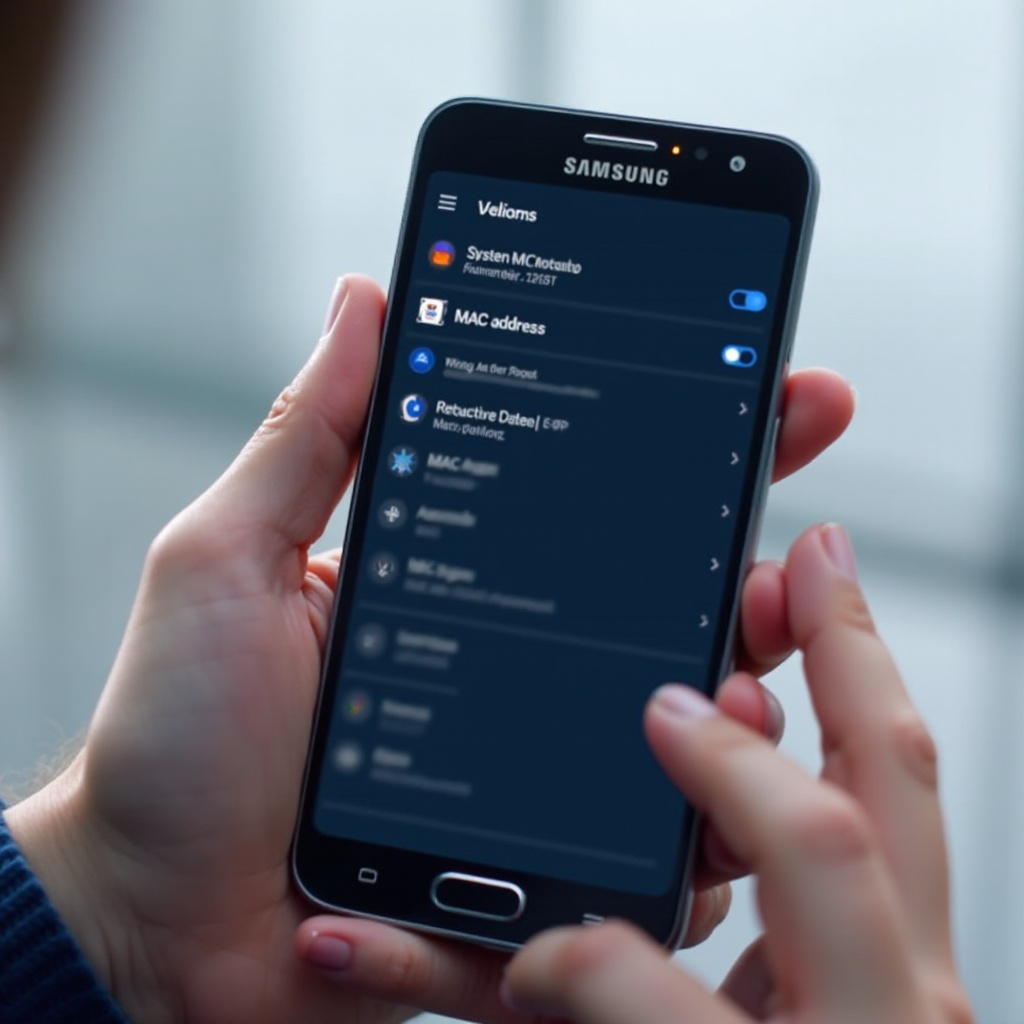
To find the MAC address on your Samsung phone, follow these simple steps:
- Open Settings: Tap on the ‘Settings’ app on your Samsung phone.
- Go to About Phone: Scroll down and select ‘About Phone’ or ‘About Device’.
- Access Status: Tap on ‘Status’ or ‘Status Information’.
- View the MAC Address: Scroll down to locate the Wi-Fi MAC address.
This uniquely identifies your phone within your local network. Knowing where to find it is crucial for troubleshooting and enhancing security.
The Importance of Knowing Your Samsung Phone’s MAC Address
Understanding your phone’s MAC address has practical benefits beyond tech knowledge. It is fundamental to sustaining a secure and efficient home or office network. This information allows network managers to specify which devices can connect, strengthening security. Additionally, during troubleshooting, identifying your device through its MAC address can help resolve connectivity issues more efficiently.
Transitioning from recognizing its importance leads us to practical applications, such as bolstering network security with MAC addresses.
Using MAC Address for Network Security
Enhancing network security is crucial, and utilizing MAC filtering is an effective method. By configuring your router to accept certain MAC addresses, you can limit network access to specific devices. Here’s how you can implement MAC address filtering:
- Access Router Settings: Enter your router’s IP address into a web browser to access the admin interface.
- Locate MAC Address Filtering: Find ‘MAC Filtering’ in the security section of the settings.
- Add Your Device: Enter the MAC addresses of your Samsung phone and other devices to allow them access.
- Save and Apply Changes: Ensure you save your settings and restart your router if necessary.
While MAC filtering adds a security layer, be aware that it’s not unbreakable. However, it does offer substantial protection against unauthorized device access.
Being aware of potential MAC address issues enables better troubleshooting and network management.
Common Issues with MAC Addresses on Samsung Phones
Sometimes, users encounter issues with their MAC addresses. A frequent concern is when a MAC address appears to change. This change occurs due to ‘MAC Randomization’, a feature designed to enhance privacy by varying your device’s MAC address. If you prefer a consistent MAC address for security, this feature can be disabled in Wi-Fi settings.
Another problem involves the device failing to connect to the network despite using the correct MAC address. Always ensure that your router’s firmware is updated and that MAC filtering settings correctly list your device.
By understanding these potential issues, you can maintain a smoother network connection while enhancing security and convenience.
Conclusion
The MAC address on your Samsung phone is vital for securing and managing the network presence of your device. From diagnosing network issues to employing advanced security methods like MAC filtering, this unique identifier plays a crucial role. By knowing how to find and use your phone’s MAC address, you’re better equipped to improve your network’s reliability and security.
Frequently Asked Questions
How can I change the MAC address on my Samsung phone?
Changing a MAC address requires advanced configurations that aren’t generally accessible on standard devices. Some models allow MAC randomization settings to alter how the address appears to networks.
Why does my Samsung phone’s MAC address keep changing?
Changing MAC addresses can result from a privacy feature called MAC randomization. This setting can often be adjusted in the network settings menu.
Is it safe to share my Samsung phone’s MAC address?
Though sharing a MAC address isn’t inherently risky, keeping it private is wise. Disclosing it unjustifiably could pose security risks, offering potential access routes to malicious entities.