Introduction
Tablets have revolutionized the driving experience, offering features that enhance navigation, entertainment, and connectivity on the go. In 2024, the market offers an impressive array of tablets designed to meet the diverse needs of car users. Whether for streaming your favorite shows or navigating unfamiliar roads, a well-chosen tablet can be your perfect travel companion.
Key Considerations for Choosing a Tablet for Car Use
When selecting a tablet for car use, there are several factors to consider to ensure it meets your specific needs. A tablet’s screen size and display quality play a pivotal role in usability. A screen that’s too large might not fit comfortably, while a smaller screen might strain your eyes.
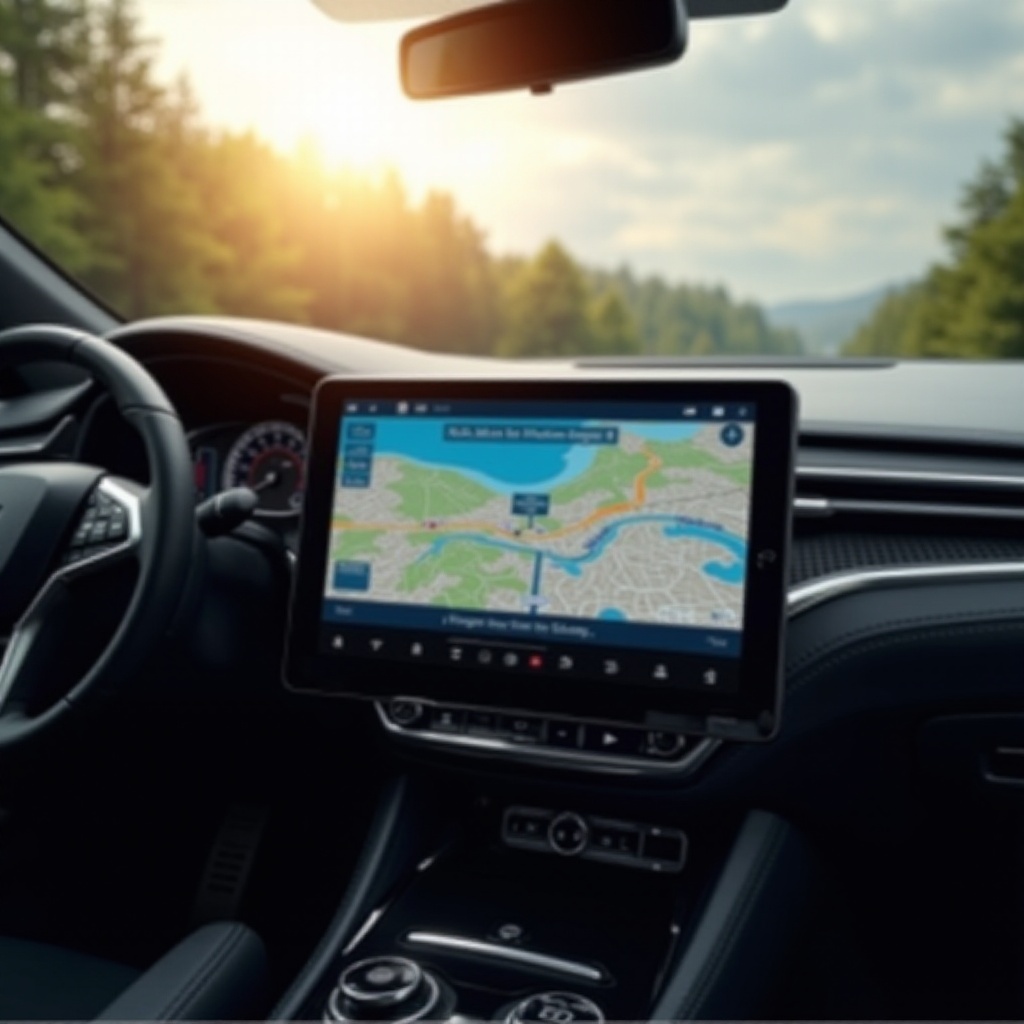
Beyond the display, GPS and navigation features are critical. Tablets with built-in GPS provide real-time updates and directions without depending solely on the internet, essential for areas with spotty connectivity. Battery life also deserves attention, especially for long trips. Tablets with long-lasting batteries or fast charging options help maintain performance throughout your journey.
Connectivity features, such as Wi-Fi and LTE, are vital for a consistent internet connection. Tablets that offer cellular options ensure access to maps and streaming services even when Wi-Fi isn’t available. Keeping these factors in mind will help you select a tablet that not only performs well but also integrates seamlessly into your driving routine.
Top Tablet Choices for Cars in 2024
Here are our top tablet picks for enhancing your car experience in 2024:
-
Apple iPad Pro: Known for its outstanding performance and vibrant Retina display, the iPad Pro is ideal for both navigation and entertainment. Its robust battery life ensures it won’t quit during long journeys.
-
Samsung Galaxy Tab S9: With a stunning AMOLED display and versatile connectivity options including 5G, this tablet is an excellent choice for those seeking efficiency and speed on the road.
-
Lenovo Tab M10 Plus: This tablet hits the sweet spot between affordability and functionality. It features an adaptive display and solid battery performance, making it a favorite for family trips.
-
Amazon Fire HD 10: Capturing great value for budget-conscious users, this tablet offers seamless integration with Alexa for hands-free operation and is excellent for streaming.
Each tablet has its unique strengths, catering to different needs from high-end performance to budget-friendly features. Your choice will depend on the balance you seek between price, performance, and additional ecosystem advantages.
How to Securely Install Your Tablet in the Car
Once you’ve chosen a tablet, the next step is to ensure it is securely mounted in your vehicle. This not only optimizes usability but also safety during your drives.
-
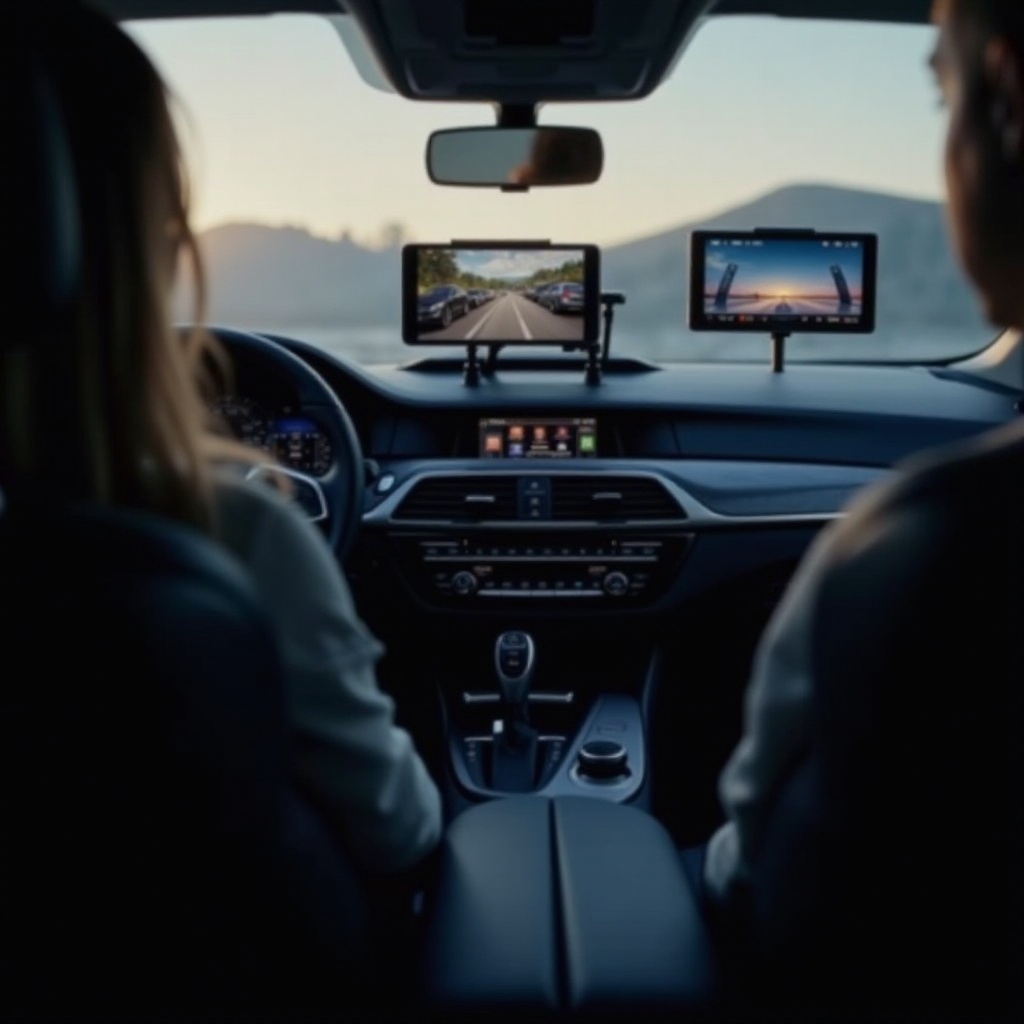
Select the Right Car Mount: Choose a mount that fits your car’s design and your tablet’s dimensions. Options include windshield mounts, dashboard mounts, and headrest mounts.
-
Ensure Safe Installation: Carefully follow the installation instructions for your chosen mount. A secure setup prevents the tablet from becoming a distraction or hazard during sudden stops or turns.
Proper installation guarantees that your tablet remains handy without interfering with driving safety. It bridges the utility and convenience expected during any trip.
Must-Have Apps for In-Car Use
To enhance the functionality of your car tablet, consider these essential apps:
-
Navigation Apps: Apps like Google Maps and Waze offer real-time updates and traffic information, helping you find the quickest routes and avoid congestion.
-
Entertainment and Media Streaming: Install apps such as Netflix or Spotify to keep passengers entertained, offering a wide range of movies, shows, and playlists.
-
Road Trip Planning Tools: Apps like Roadtrippers can help you discover nearby attractions, scenic stops, and restaurants, making your journey more enjoyable.
These apps significantly expand what your tablet can do, ensuring every trip is both enjoyable and efficient.
Maintenance and Care for Your Car Tablet
Maintaining your tablet ensures its longevity and reliability over time.
-
Temperature Protection: Extreme temperatures can harm your tablet’s battery and display. Avoid leaving it in the car when temperatures soar or plummet.
-
Regular Cleaning and Updates: Use a microfiber cloth to clean the screen, and keep the operating system and apps updated to ensure smooth operation and security.
With these simple steps, you can keep your tablet in top condition, ensuring it remains a valued part of your travel gear.
Conclusion
Choosing a tablet for your car can significantly enhance your driving experience. From top-tier devices like the iPad Pro to budget-friendly options like the Fire HD 10, there’s a tablet for every need and budget. Keep in mind the importance of secure installation and the use of apps that best meet your journey’s requirements. A well-chosen tablet promises a blend of convenience, entertainment, and safety on the road.
Frequently Asked Questions
What is the best tablet for use in all car models?
Tablets like the Apple iPad Pro and Samsung Galaxy Tab S9 are versatile, making them suitable for most car models due to their size and mounting options.
Can I use a regular tablet mount for my car?
Yes, but ensure the mount fits well and secures the tablet effectively, taking into account the tablet’s size and your car’s interior.
How do I keep my tablet charged during long drives?
Use fast-charging adapters compatible with your car, and consider power banks as backup options for prolonged usage without access to power outlets.