Introduction
The PlayStation 4, renowned for its exceptional gaming capabilities, offers users a rich entertainment experience. However, its powerful performance may lead to overheating issues, affecting both its functionality and longevity. Understanding the root causes of PS4 overheating is crucial for maintaining optimal console health and enhancing your gaming experience. This guide takes you through the possible causes, signs, and practical solutions to prevent PS4 overheating. By following these guidelines, you can ensure your console remains in top condition and avoid unnecessary disruptions during your gaming sessions.

What Causes PS4 Overheating?
Various elements contribute to a PS4 overheating, with dust build-up being a primary culprit. Dust in the vents and fans impedes airflow, leading to heat retention inside the console. Over time, this accumulation can significantly impact performance. Moreover, running graphics-heavy games for extended periods can strain the PS4, pushing its limits and increasing the risk of overheating.
Environmental factors also play a role. Situating the console in poorly ventilated areas or confined spaces restricts air circulation, exacerbating warmth issues. Additionally, gaming in warm ambient temperatures forces the PS4 to work harder to disperse heat, thus heightening the chance of overheating. By identifying these causes, one can take proactive steps to forestall potential problems and safeguard their PS4.
Signs Your PS4 is Overheating
Identifying early indicators of overheating is essential for minimizing damage. A loud fan is one of the most noticeable signs; an overactive fan is compensating for temperature spikes. Users may also experience unexpected shutdowns, where the console powers off to protect itself against heat damage.
Additional symptoms may include gameplay performance degradation, unexpected lags, errors, or system freezes. If the PS4’s exterior surface is hot upon touch, it signals potential internal temperature issues. Recognizing these signs allows for timely interventions and prevents further harm to the console.
How to Prevent PS4 Overheating
Preventative maintenance can significantly extend the life of your PS4. Adhering to specific measures will help shield your console from overheating, ensuring a smooth operation.
Regular Cleaning Tips
- Frequently dust your PS4 with a microfiber cloth or compressed air to clear out dust from the vents and surface.
- Maintain a clean environment around your console by regularly vacuuming the surrounding area.
- Utilize a dust cover when the console is off, ensuring the vents remain uncovered when in use to allow proper airflow.
Proper Console Placement
- Place your PS4 in a location with efficient ventilation and away from heat sources.
- Avoid enclosing your console in tight spaces or cabinets.
- Positioning the console vertically or ensuring the sides are unobstructed can promote better air circulation.
Use of Cooling Accessories
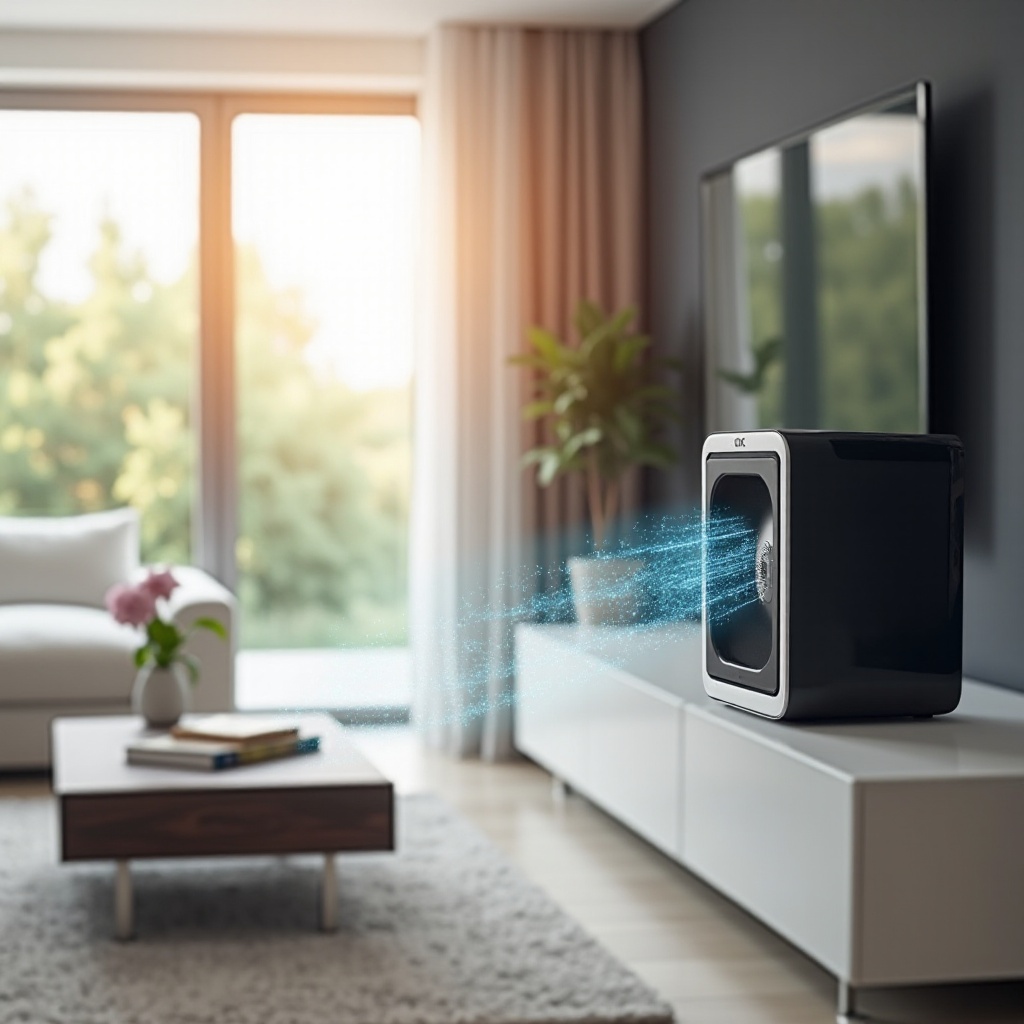
- Enhance cooling by employing accessories such as cooling stands or external fans.
- Heat sinks can be added to bolster heat dispersion.
- Monitor room temperature, utilizing air conditioning or fans to keep the gaming area cool.
Adhering to these preventive tactics not only wards off overheating but also helps maintain your console’s peak performance.
Troubleshooting and Fixing PS4 Overheating
Occasionally, countermeasures might fall short, resulting in overheating. Employ these troubleshooting steps for resolution:
Step-by-Step Cleaning Guide
- Turn off your PS4 and disconnect it from the power source.
- Use a T9 screwdriver to carefully remove the screws from the console.
- Gently open the casing, taking precautions not to damage internal components.
- Clean the fans and vents with compressed air.
- Carefully reassemble your PS4 afterward.
Adjusting Game and Console Settings
- Reduce in-game graphics settings and resolution to lessen system strain.
- Activate power-saving mode to manage energy usage better.
- Keep both game and system software updated for optimal performance.
When to Seek Professional Help
Persistent overheating despite attempts to resolve can indicate the need for professional intervention. Consult experienced technicians to address complex issues without voiding warranties or causing additional damage.
Long-Term Effects of Overheating on PS4
Unchecked overheating can permanently damage your PS4’s internal components, such as the GPU and CPU, leading to consistent performance shortcomings and crashes. Continuous heating issues can drastically shorten your console’s lifespan and heighten the risk of abrupt failures and data loss. Preventive strategies and prompt intervention are essential to protect and prolong your PS4’s operational life.
Conclusion
Proper maintenance and awareness of overheating causes can markedly improve your PS4’s performance and lifespan. From acknowledging the causes and recognizing warning signals to applying effective preventive measures, you can ensure a seamless and enjoyable gaming experience. Stay proactive and maintain your console meticulously to keep your gaming sessions smooth and uninterrupted.
Frequently Asked Questions
How often should I clean my PS4 to prevent overheating?
It’s advisable to clean the exterior and vents of your PS4 every month. Internally, clean it once every six to twelve months depending on use and environment.
Can using external fans void my PS4 warranty?
Adding external fans should not void your warranty. However, be cautious with device modifications and ensure they comply with the manufacturer’s recommendations.
What is the ideal room temperature for operating a PS4?
The ideal room temperature for operating a PS4 is between 68°F and 77°F (20°C to 25°C). Keeping the room within this range helps maintain optimal console performance.