Introduction
Optimizing laptop cooling is key to maintaining its performance and prolonging its lifespan. Given the compact nature of laptops, effective heat dissipation can be challenging. This is where thermal paste plays a critical role. It bridges the gap between your laptop’s CPU or GPU and its cooling system, making it an indispensable component. This comprehensive guide will help you understand how to select the best thermal paste, factors you need to consider, top recommendations for 2024, and how to apply it correctly for optimal results.
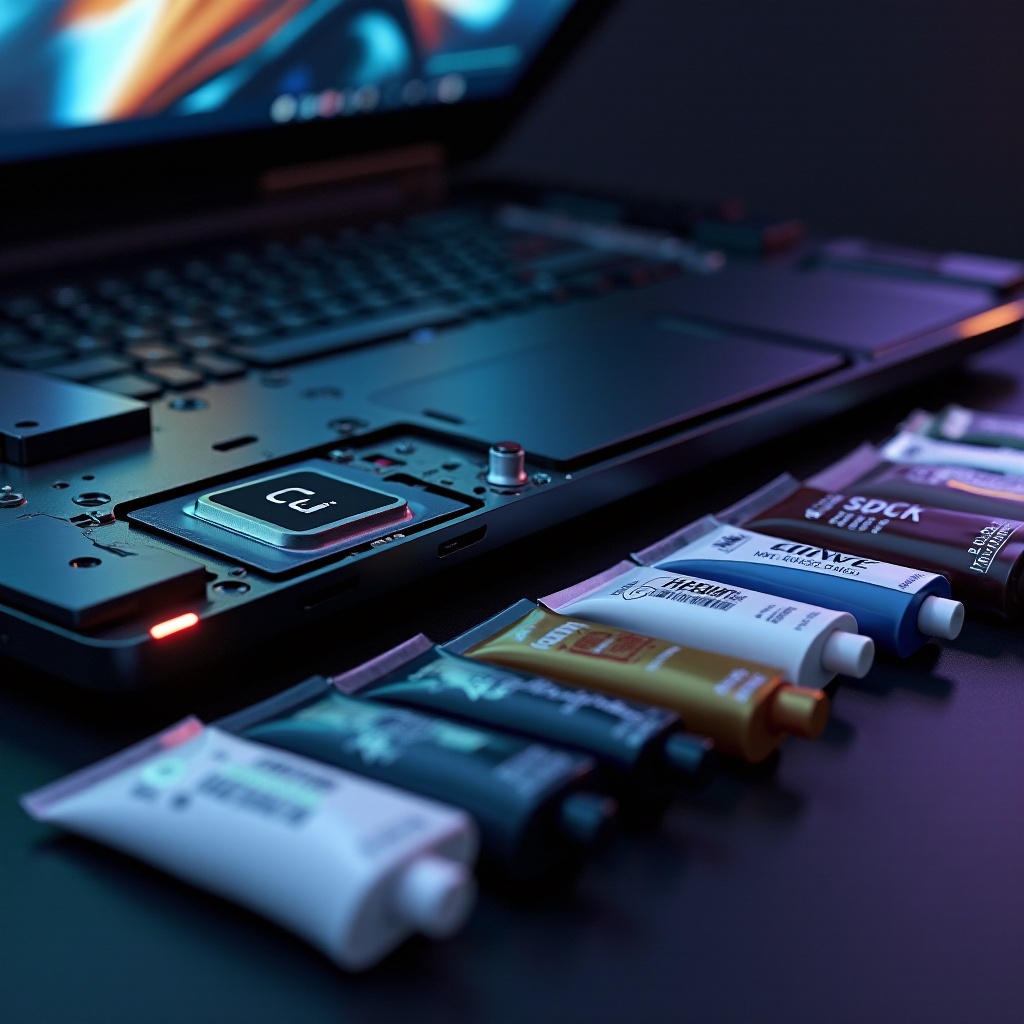
Understanding Thermal Paste and Its Importance
What is Thermal Paste?
Thermal paste, also known as thermal compound or thermal grease, is a heat conductive compound applied between the CPU or GPU and the heatsink. Its main purpose is to fill air gaps and enhance heat transfer, which is essential for maintaining a stable operating temperature.
How Thermal Paste Works in Laptops
Due to the tightly packed design of laptops, even small gaps can hinder effective heat exchange. Thermal paste addresses this by filling those tiny gaps, facilitating efficient heat movement from the processor to the heatsink and preventing overheating. This ensures consistent performance and minimizes the risk of hardware damage.
Understanding how thermal paste functions is the first step. The next critical step is selecting the right paste. Numerous options are available, but focusing on key factors ensures you get the best thermal performance.
Factors to Consider When Choosing Thermal Paste for Laptops
Thermal Conductivity
The measure of a thermal paste’s ability to conduct heat is its thermal conductivity. High thermal conductivity is crucial as it ensures rapid heat transfer, enhancing your laptop’s cooling efficiency and keeping temperatures in check.
Longevity and Durability
Selecting a paste that maintains its efficacy over time is vital. A durable thermal compound withstands thermal stress without breaking down, diminishing the need to reapply frequently, which can be both time consuming and technically challenging.
Ease of Application
Ease of application can greatly influence your experience, especially if you’re new to applying thermal paste. Choose a product that includes applicators or instructions for a smoother trial.
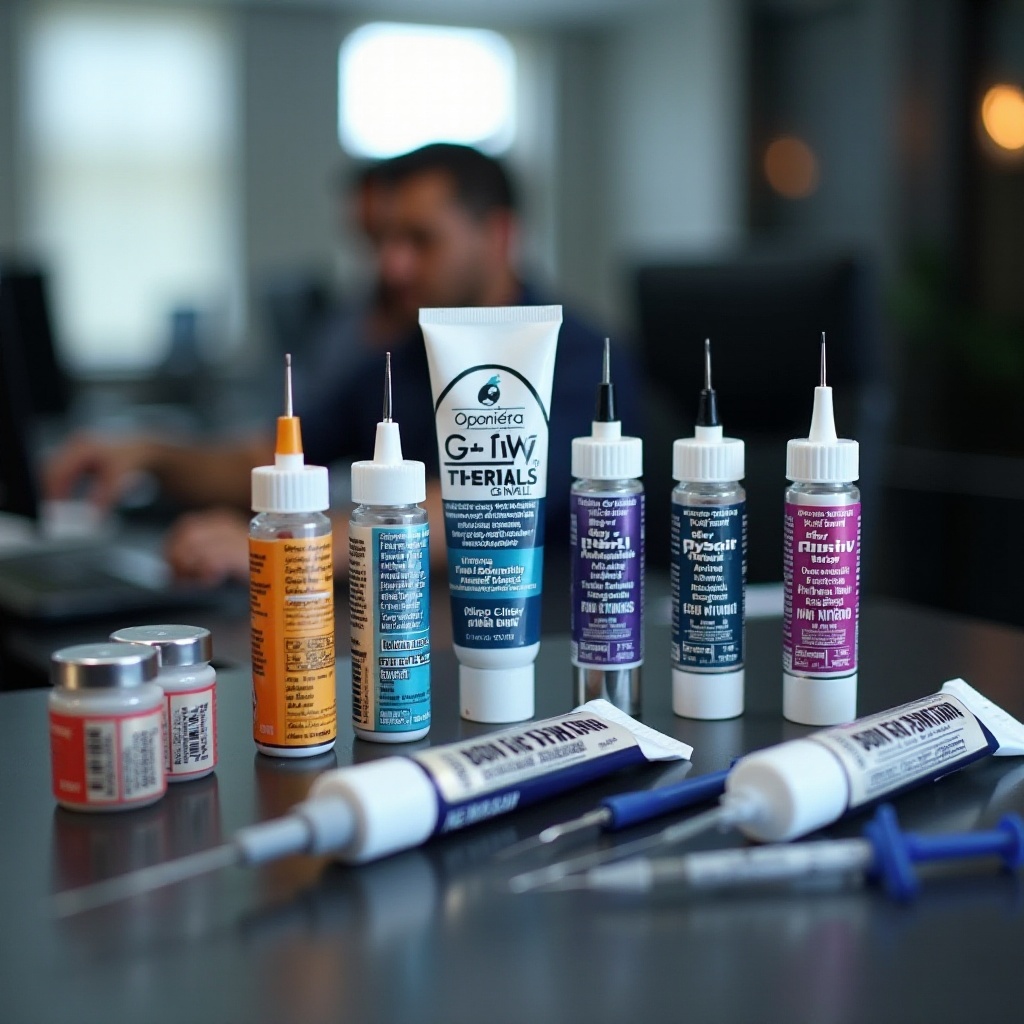
With these factors in mind, you can confidently select a thermal paste that meets your laptop’s needs. Below, we explore some of the top-rated options for 2024.
Top Thermal Paste Recommendations for Laptops in 2024
Arctic MX-4: Best Overall
Known for its excellent thermal conductivity, Arctic MX-4 remains a favorite. It uses micro-particles that ensure effective heat dissipation, making it a reliable choice for anyone seeking an improvement in performance.
Thermal Grizzly Kryonaut: Best for Gaming Laptops
Thermal Grizzly Kryonaut is ideal for high-performance gaming laptops. It offers superior thermal conductivity, specifically designed to perform under intense thermal loads, ensuring your laptop remains cool during prolonged gaming sessions.
Cooler Master MasterGel: Best for Beginners
The Cooler Master MasterGel is perfect for those new to thermal paste application. It strikes a balance between performance and user-friendliness, making the application process straightforward and efficient.
Armed with the right thermal paste, the final step is application. Proper application is essential to achieve maximum heat dissipation and, by extension, cooling efficiency.
Step-by-Step Guide to Apply Thermal Paste on Your Laptop
Tools You’ll Need
- Thermal paste of your choice
- Screwdriver for opening the laptop’s case
- Isopropyl alcohol and cotton swabs for cleaning old paste
- Applicator or a plastic card
- Lint-free cloth
Preparation and Application Techniques
- Power Off and Open: Shut down and unplug your laptop. Carefully unscrew and open the casing.
- Clean the Surface: Use isopropyl alcohol and cotton swabs to wipe away any old thermal paste from the CPU or GPU.
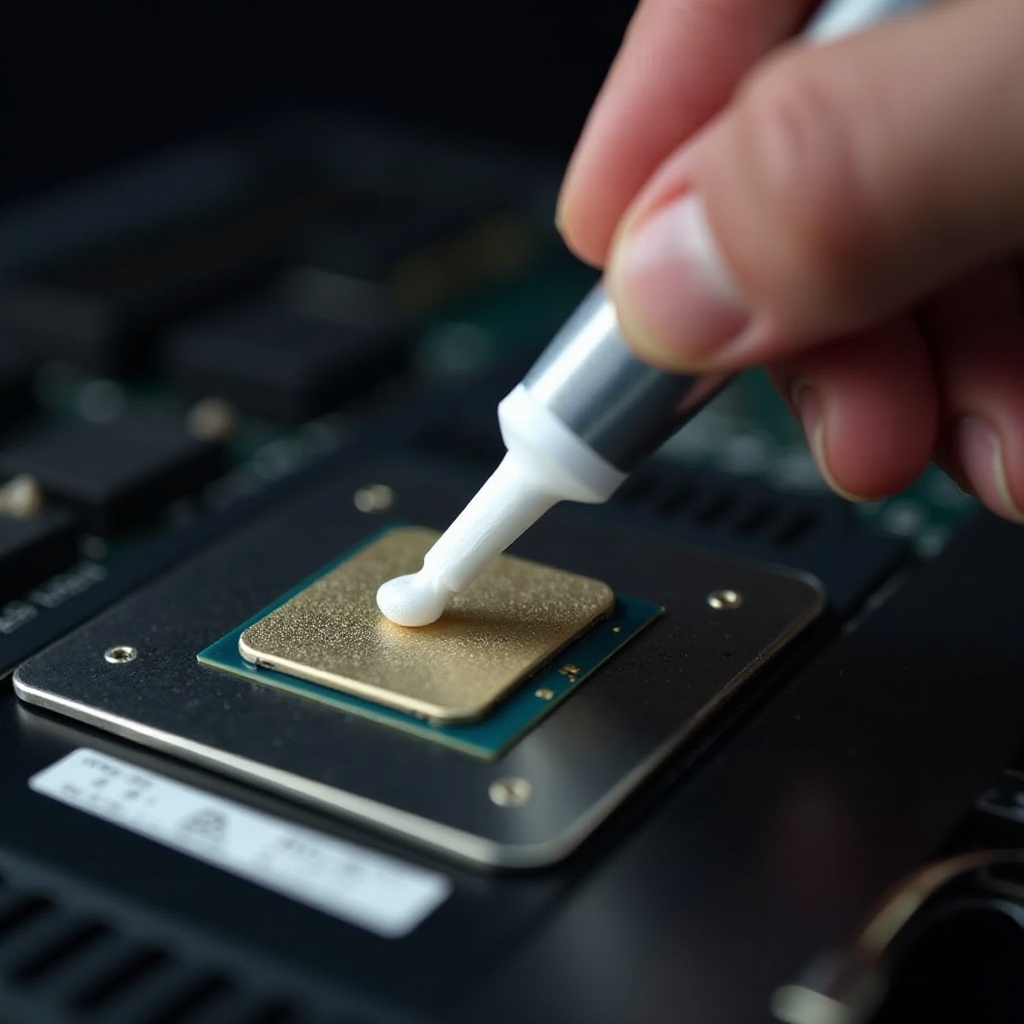
- Apply New Paste: Place a small drop of thermal paste on the center of the processor. Spread evenly using an applicator or plastic card.
- Reassemble Your Laptop: Carefully close the casing and secure all screws.
Common Mistakes to Avoid
- Over-application: Excess thermal paste can obstruct heat transfer. Apply just enough for a thin, even layer.
- Inadequate cleaning: Leaving old paste residues can affect new paste performance and hinder effective heat dissipation.
Following these steps will ensure your laptop benefits from improved cooling, leading to better performance and longevity.
Conclusion
Choosing and applying the right thermal paste can profoundly affect your laptop’s cooling efficiency and overall performance. A well-maintained thermal interface reduces overheating risks and prolongs the life of your device. Monitor the improvements post-application and remain vigilant for signs of thermal degradation, ensuring your laptop remains in peak condition.
Frequently Asked Questions
How often should I replace the thermal paste on my laptop?
It’s generally recommended to replace thermal paste every 1-2 years, depending on usage and environmental conditions.
Can using the wrong thermal paste damage my laptop?
While it might not directly damage your laptop, poor quality or improper application can hinder cooling performance, potentially affecting device lifespan.
How can I tell if my laptop needs new thermal paste?
Signs such as increased fan noise, high temperatures, or performance throttling may indicate the need for reapplication.